
Commits and history
Committing
Changes on a branch are saved as you make them, and everybody on that branch sees them. A commit records the changes since the last one, with a message, under your name.
Commit from the branch menu (Commit changes), the command palette or the assistant. If nothing changed, you are told so.
Commits are what the rest of versioning works with: merges move commits, a release is a commit, and a merge request needs the branch's changes to be committed.
History
Version control in the sidebar opens the history: the commits of each branch, newest first.
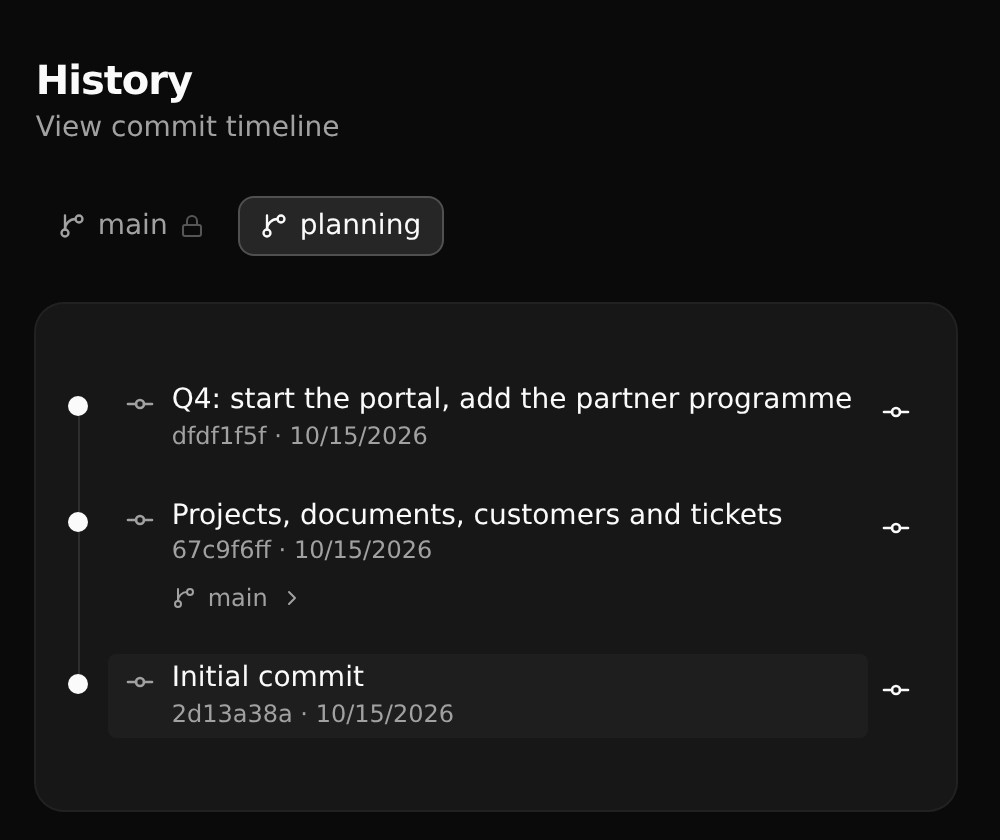
Pick the branch at the top. Where another branch was made from a commit, it is noted under it.
A commit
Click a commit to see what it changed.
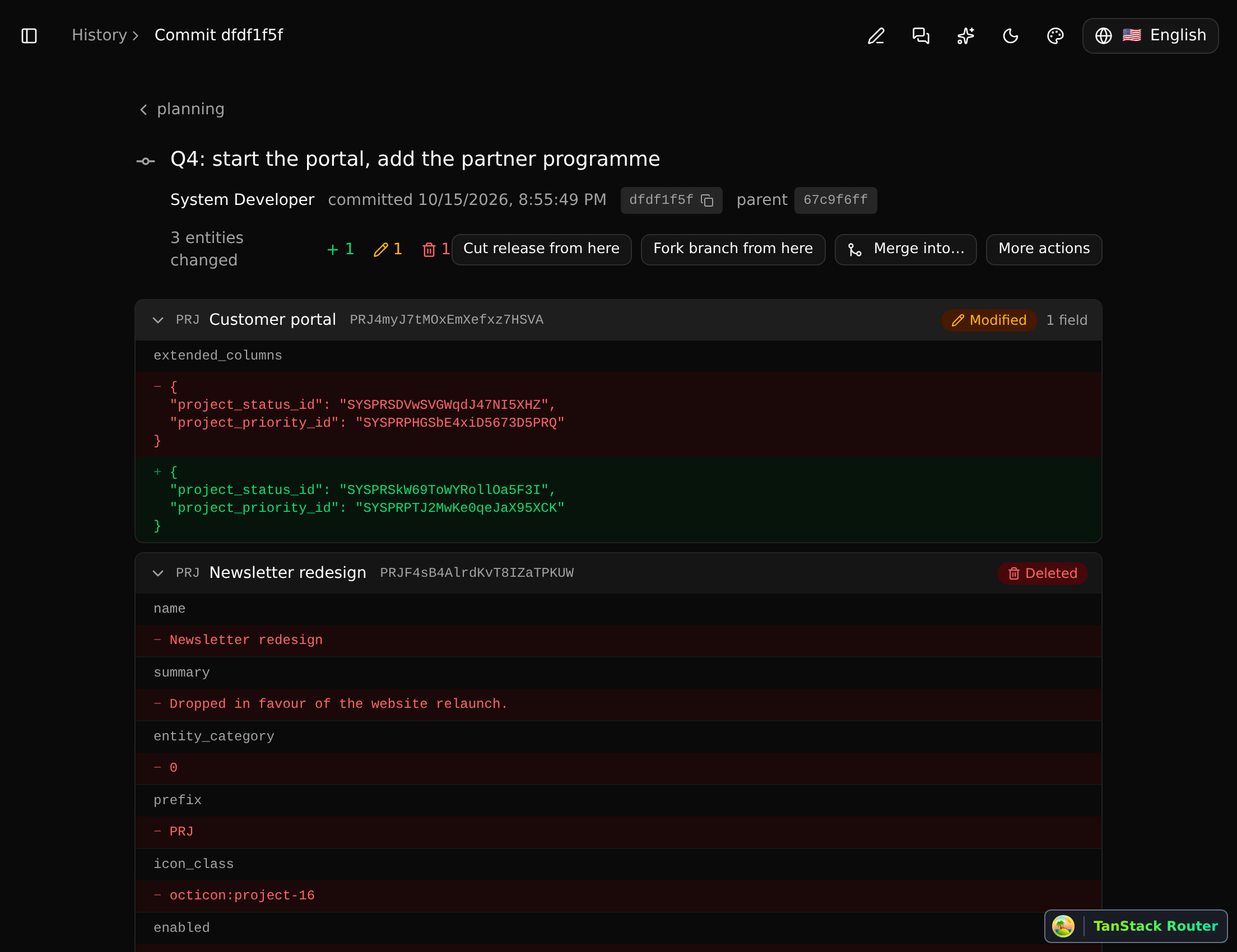
For each record: whether it was added, modified or deleted, and field by field what the values were before and after. A deleted record is shown with what it held.
From a commit you can:
- Cut release from here: publish that state as a release.
- Fork branch from here: start a new branch at that commit.
- Merge into…: merge up to that commit.
- Cherry-pick: apply just this commit's changes to another branch.
- Revert: make a new commit that undoes this one.
Cherry-picking and reverting work for deletions too: reverting a commit that deleted a record brings the record back.