
Automations and runs
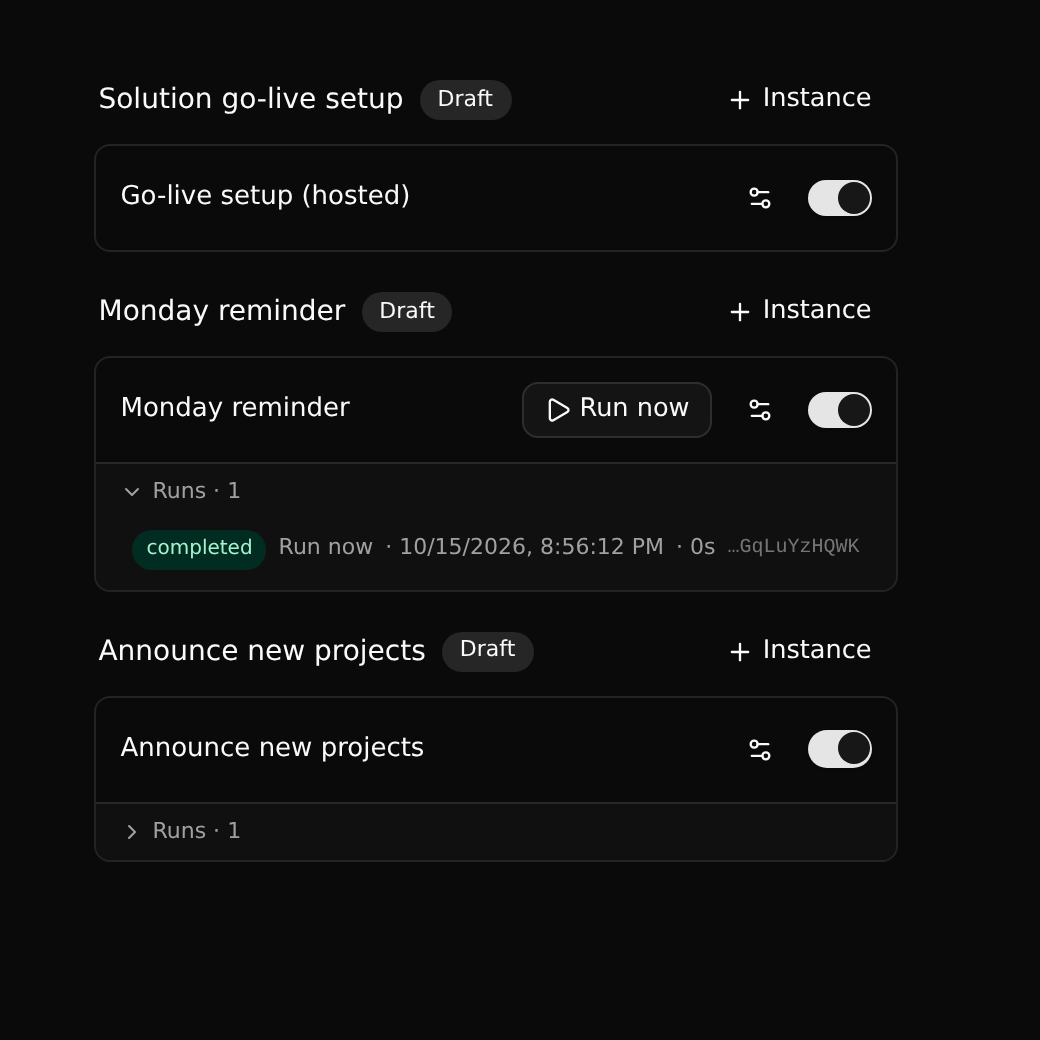
Automations in a workspace's sidebar lists the workflows the workspace has installed and the instances made of them.
Instances
A workflow does nothing until there is an instance of it. An instance is the workflow switched on in this workspace, on this branch, with its own name and values for the workflow's variables.
+ Instance makes one:
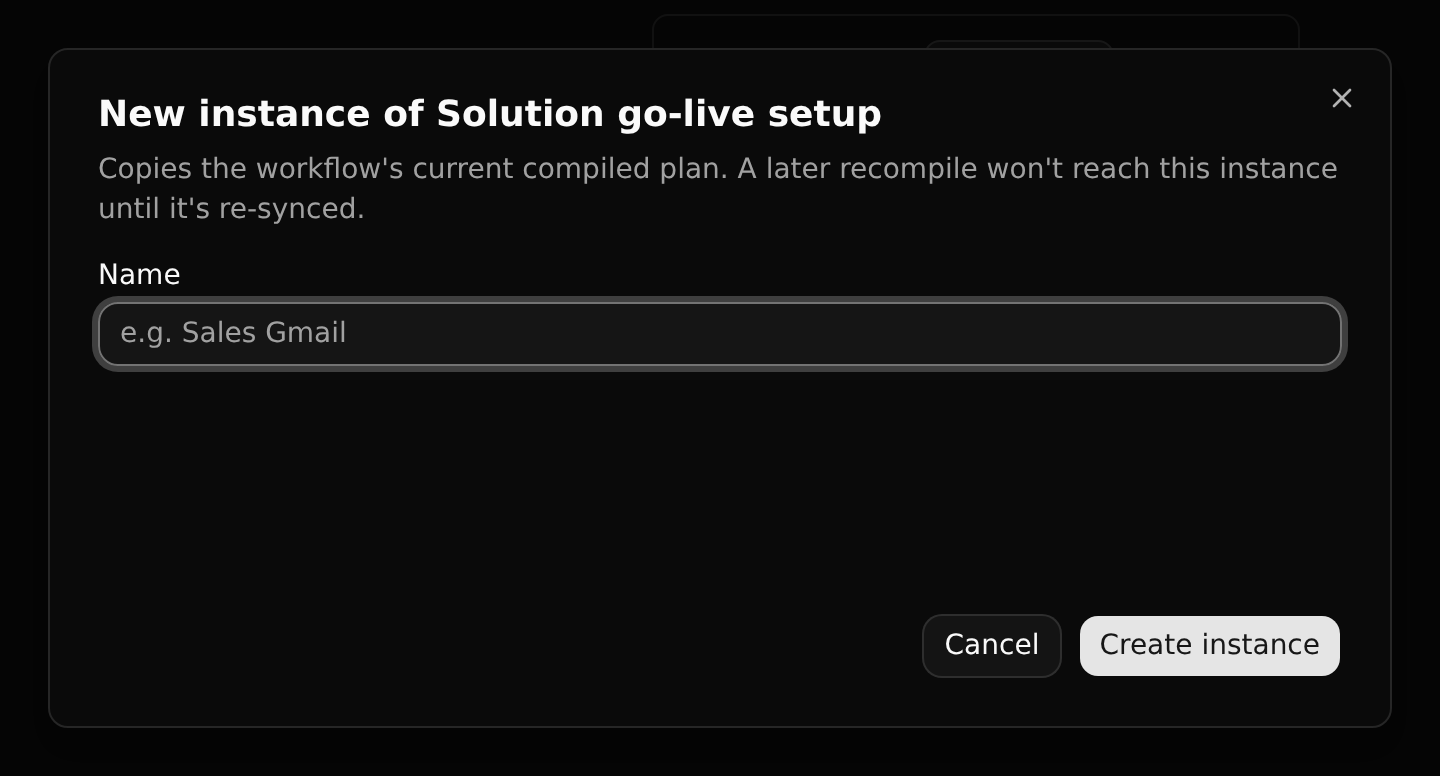
One workflow can have several instances, for example the same reminder with different recipients.
Each instance has:
- a switch, to turn it off and on without deleting it;
- settings (the sliders icon): its name and variables;
- Run now, when its workflow has a manual trigger.
A moment's patience
The engine learns of a new or re-enabled instance within about 15 seconds. A record added right after switching an instance on may not start it.
Resync
An instance holds a copy of the workflow's compiled plan. When the workflow is changed, compiled, released and upgraded, existing instances keep running their old plan until you resync them. This is on purpose: a running automation never changes under you.
Runs
Unfold Runs under an instance to see what it did: the status (running, completed, failed, cancelled), what started it, when, and how long it took.
A running run can be paused, resumed or stopped from here, and sent a signal when its workflow waits for one.
Where a workflow runs
An instance reacts to changes in its own workspace and branch. Record triggers on main therefore do not fire for changes on a side branch.
Hosted instances are the exception: the Solutions catalog runs "Solution go-live setup" for every workspace that starts a solution.
Workflows act as the system
A workflow's steps are not held by roles or branch protection: a workflow on main can change main. Who may create and change instances is: that takes a member, or an admin on a protected branch.