
Fleeting notes
A fleeting note is a thought caught as it comes - the raw input of a Zettelkasten. Catching it should take two seconds, wherever you are; making something of it comes later.
Catching a thought
Press N on any page (anywhere you are not typing), or use the pencil button at the top of the page, or Capture a thought in the command palette (Ctrl+K).
A small box opens:
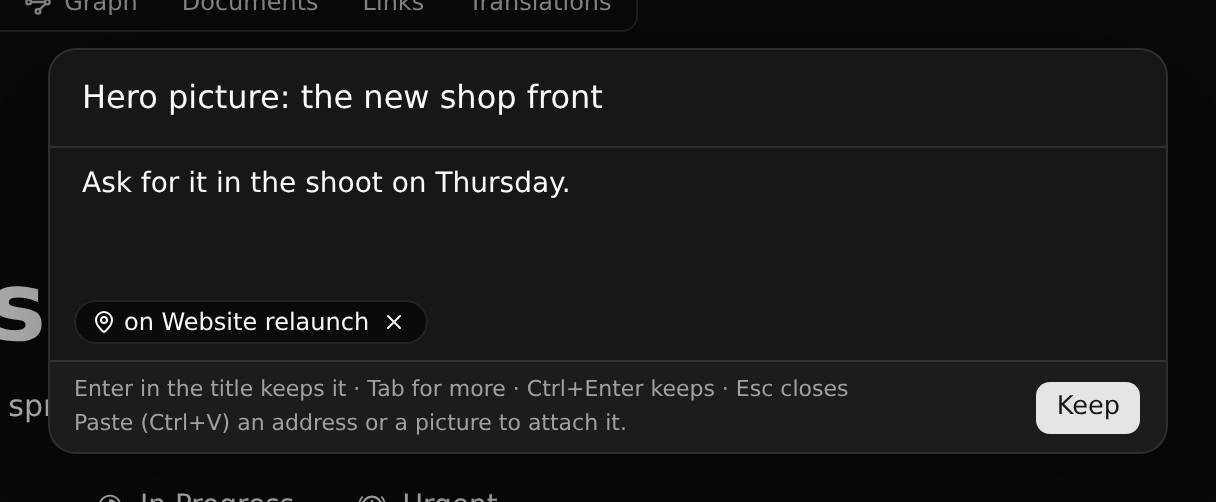
- Type the title - one line is enough - and press Enter: it is kept.
- For more, press Tab and write it below (Markdown works: lists, bold, headings). Ctrl+Enter keeps it.
- Escape closes the box and keeps what you typed for next time.
The box takes along, without asking:
- where you are: the record or page on screen ("on Website relaunch"). Click × to leave it out.
- what you selected on the page, as a quote.
- a link you paste, and pictures you paste (stored as files of the branch on screen - where you may change it). The box says so at its foot: paste with Ctrl+V while it is open; nothing else is needed.
A fleeting note is yours alone: nobody else in the workspace sees it, not even an admin. It is not on any branch, so it is never committed or merged, and you can catch one on a protected branch, or as a viewer or a guest. It does not count against your plan. Each one also appears in your Inbox.
Making something of it
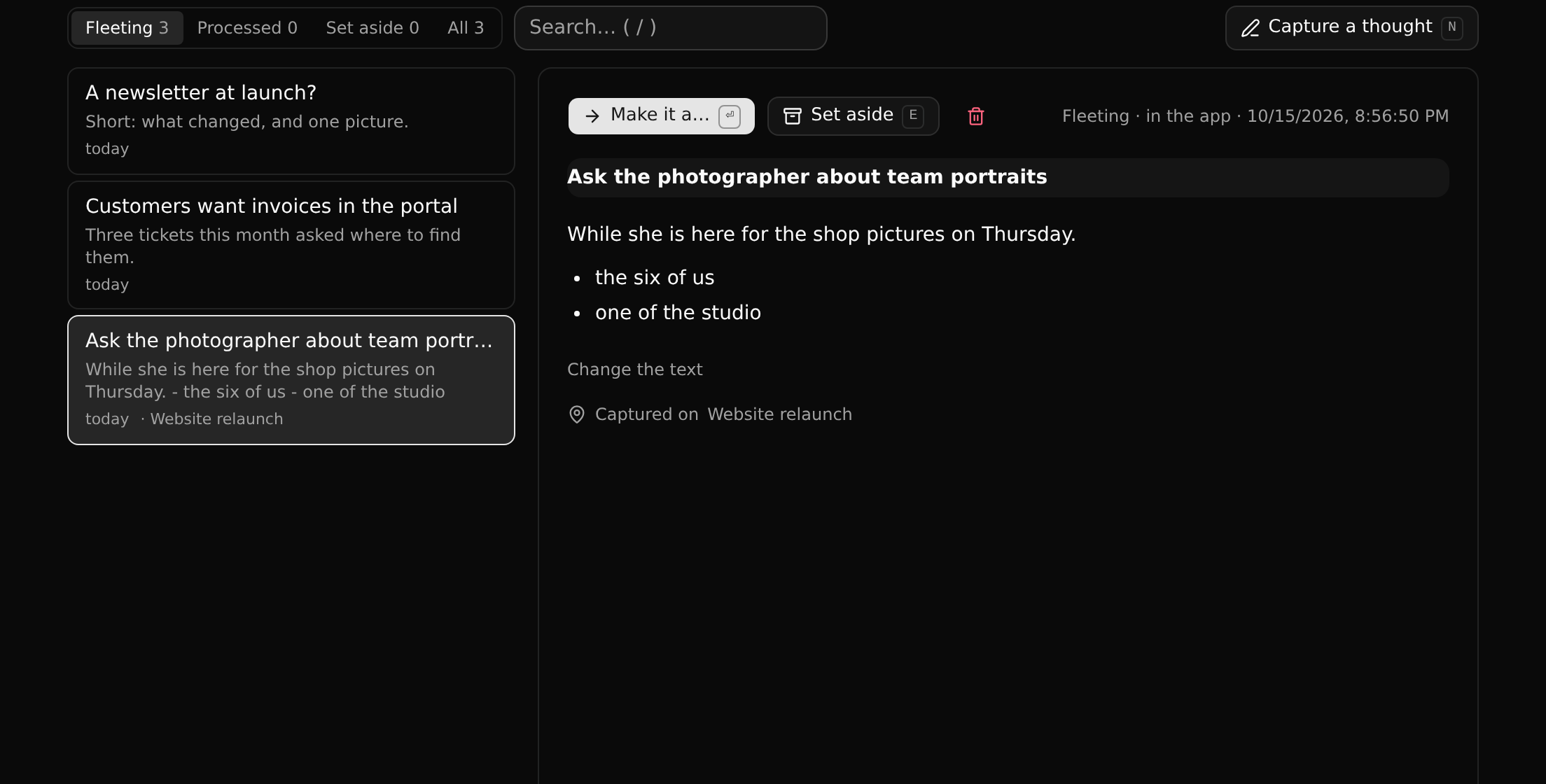
Fleeting notes in the sidebar lists yours, newest first; the number beside it is how many wait. A note waiting two days or more is marked: the method says to process them within a day or two.
| Key | Does |
|---|---|
| J / K | Next, previous |
| Enter | Make it a… record |
| E | Set it aside, or bring it back |
| Delete | Delete it for good |
| / | Search |
Make it a… creates a record from the note on the branch on screen: a Note by default - one idea in its own words, the kind of note the method is built on - or another type the installed apps offer (a Document, a Project, a Ticket; a Drawing or a Board with the Design app). Its name is the note's title, its text is the note's text (and quote; a Note's page is that text, other types get it as their description), its link becomes one of its Links, and its pictures become its Files. A picture is a file of the branch the note was captured on: made on another branch, the record gets the rest, and you are told how many pictures were left out. The note remembers what it became, and your Inbox says so. A Note's page reads like a document: its text is the page itself, open, where other records fold theirs under "Description"; its fields and relations are not on the page (as with a Document) - its links are in the Links tab, and everything it is linked to in the Graph. A note can become several records. Once it became something, its text stays as it was.
On a branch you cannot change, the dialog offers the branches you can.
Catching from elsewhere
- From any web page: open Capture from any web page at the foot of the Fleeting notes page and drag the button to your bookmarks bar. Clicking it on a page opens a small window with the page's title, address and the text you selected.
- From a phone: open CodeKasten in the phone's browser and add it to the home screen. It then appears in the phone's Share menu, and its Capture page works without a connection (the note is sent when you are back online).
- From an agent: an agent connected with an API key has
capture_note,list_fleeting_notesandnote_became; in Claude Code, the CodeKasten plugin adds/note. - From a script:
POST /api/capturewith any of your API keys (a read-only one too) and{ "title": "...", "text": "..." }.