
Settings
Settings is in the workspace menu at the top of the sidebar. Pages are grouped: Personal pages are yours alone, Workspace pages apply to everybody.
Security: API keys
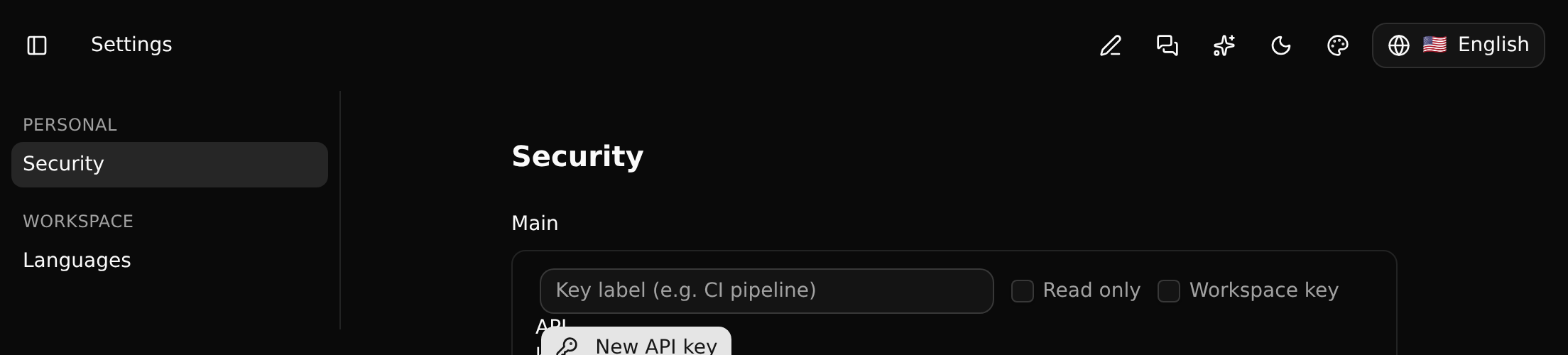
An API key lets code or an agent act as you on one branch. Give it a label, tick Read only if it should only look, and click New API key. The key is shown once. See API keys.
Languages

The content language is the language the workspace's records are written in. Translations are made from it. See Translating records.
Settings pages are defined, too
A settings page is not hard-wired: it is a definition (a page, its sections, rows and fields) that an app ships like a record type. An app can therefore add its own settings pages to the workspaces that install it. The values are kept per workspace, or per person for a personal page.
Settings follow the branch: they are changed by whoever may change that branch, which on a protected branch takes an admin or owner.