Signing in and your profile
Signing in
People join with their Google account. The first time you sign in, your account is made.
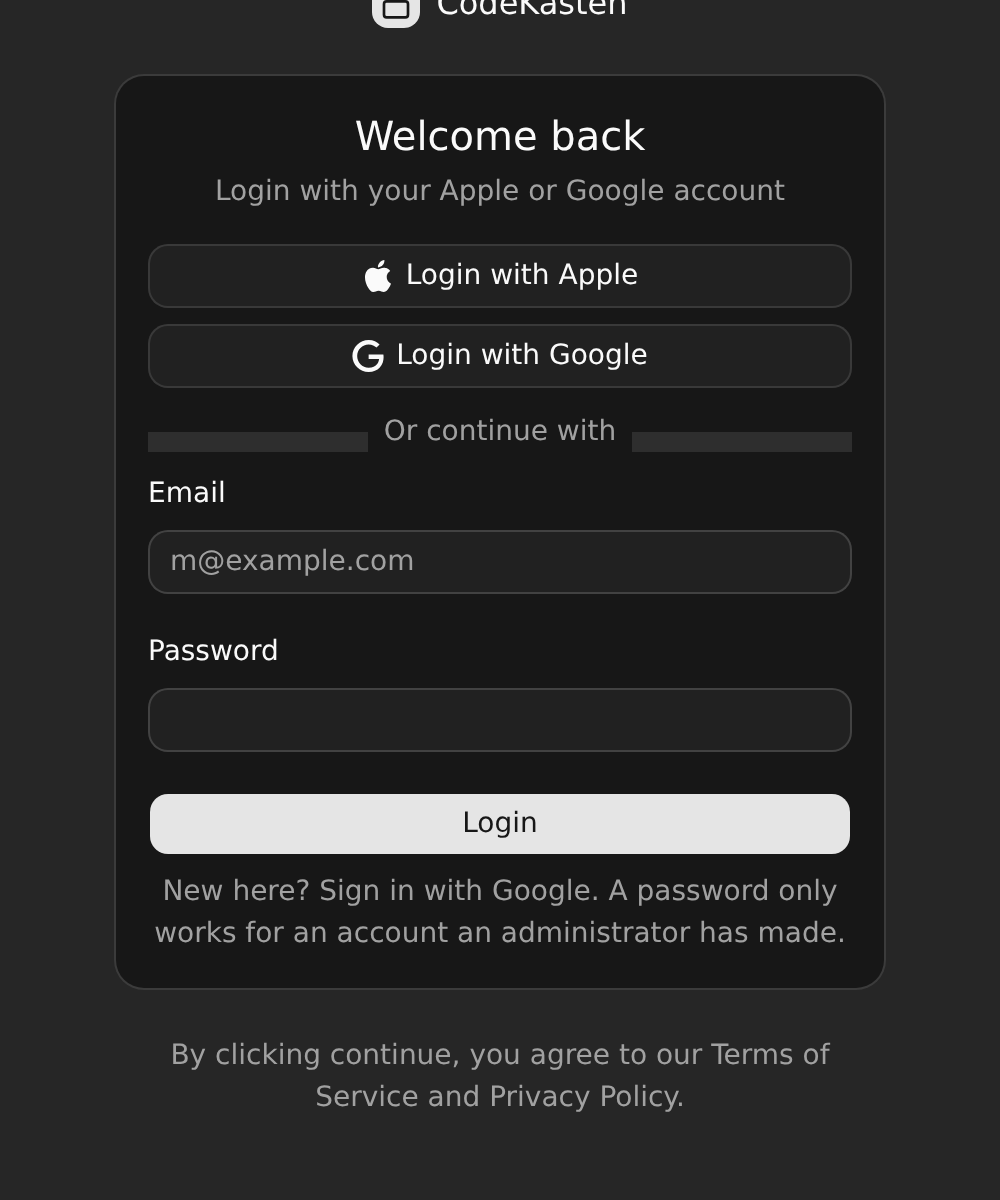
Signing in with an e-mail address and a password also works, but only for an account an administrator has made on the server. You cannot sign up with a password.
Invitations
If somebody invited your e-mail address to a workspace, there is nothing to click in the mail. Sign in with Google using that address and you are a member. See Invitations.
Choosing a username
After your first sign-in you are asked to choose a username. It is how people mention you (@maria) and it names your own workspace (/@maria).
A username is chosen once and never changes. There is deliberately no way to change it, for anybody, and a username that was used is never given to somebody else.
Choosing a username also creates your personal workspace: a workspace of your own, with the core app installed, that takes no other members.
Your profile
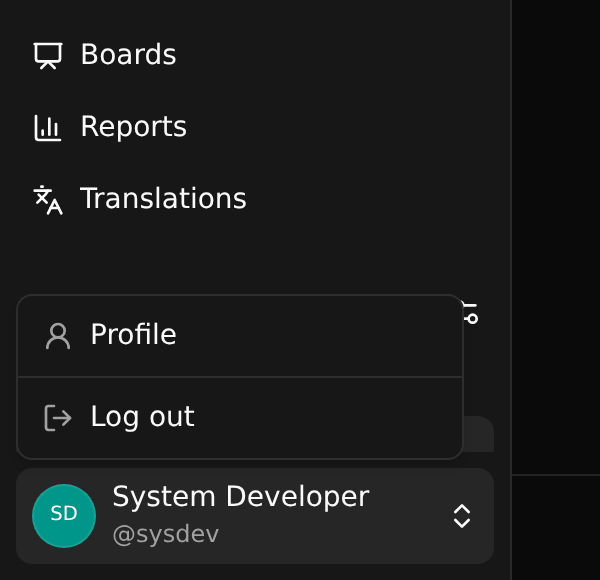
Your name, a line about you and a picture are yours to edit. Open the menu at the foot of the sidebar and choose Profile.
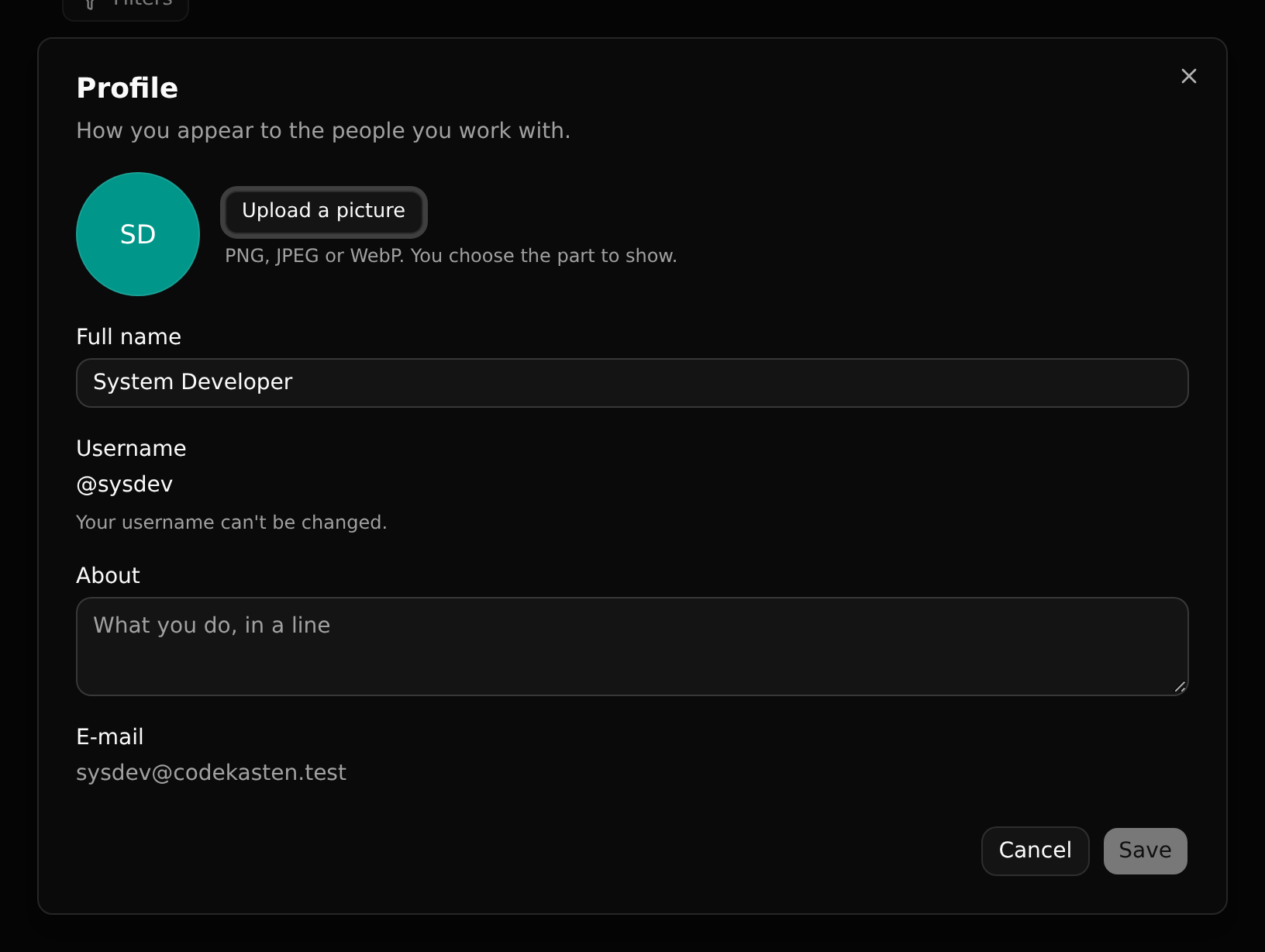
A picture is a PNG, JPEG or WebP file. After choosing one you pick the part to show under a round window. Your e-mail address comes from your account and is shown, not edited, here.
Language
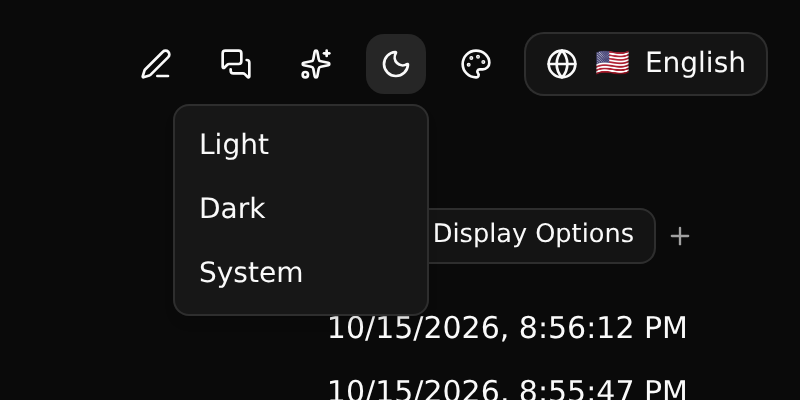
The interface comes in several languages. Pick yours from the button at the top right. The choice is kept in your browser.
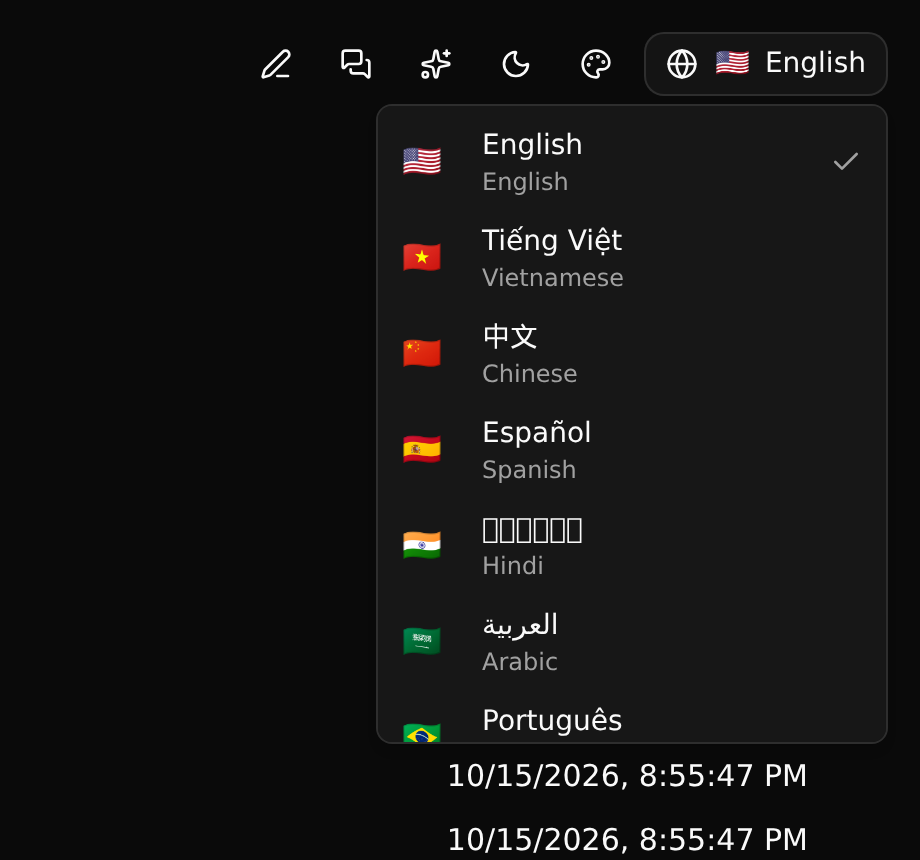
Names that come from data are shown in your language too, when they have been translated: see Translating records and Names and translations.
Light and dark
The moon button switches between light, dark and your system's setting. The palette button next to it picks a colour theme.