
Boards
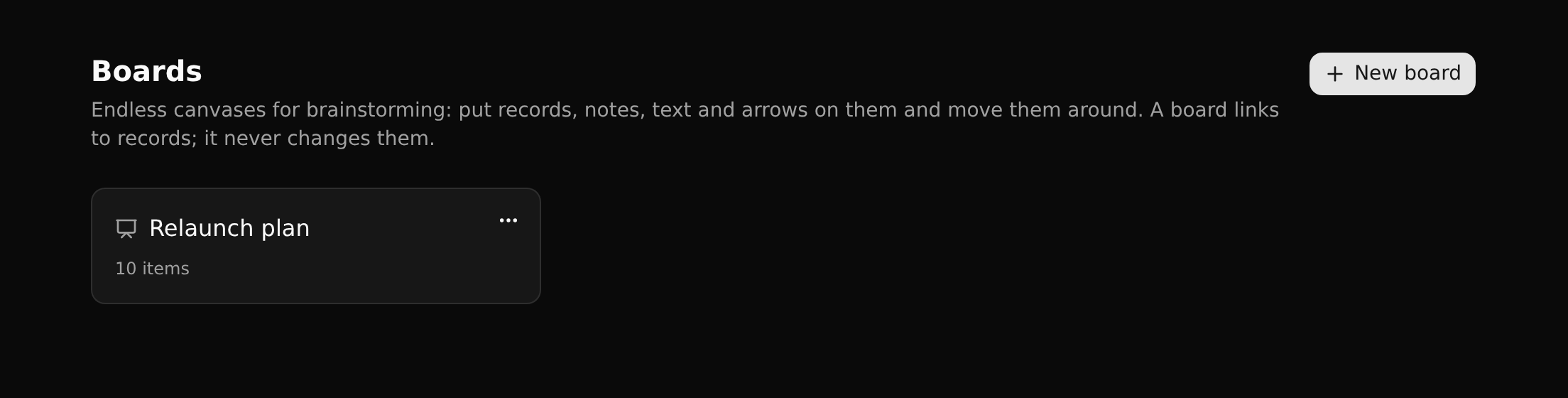
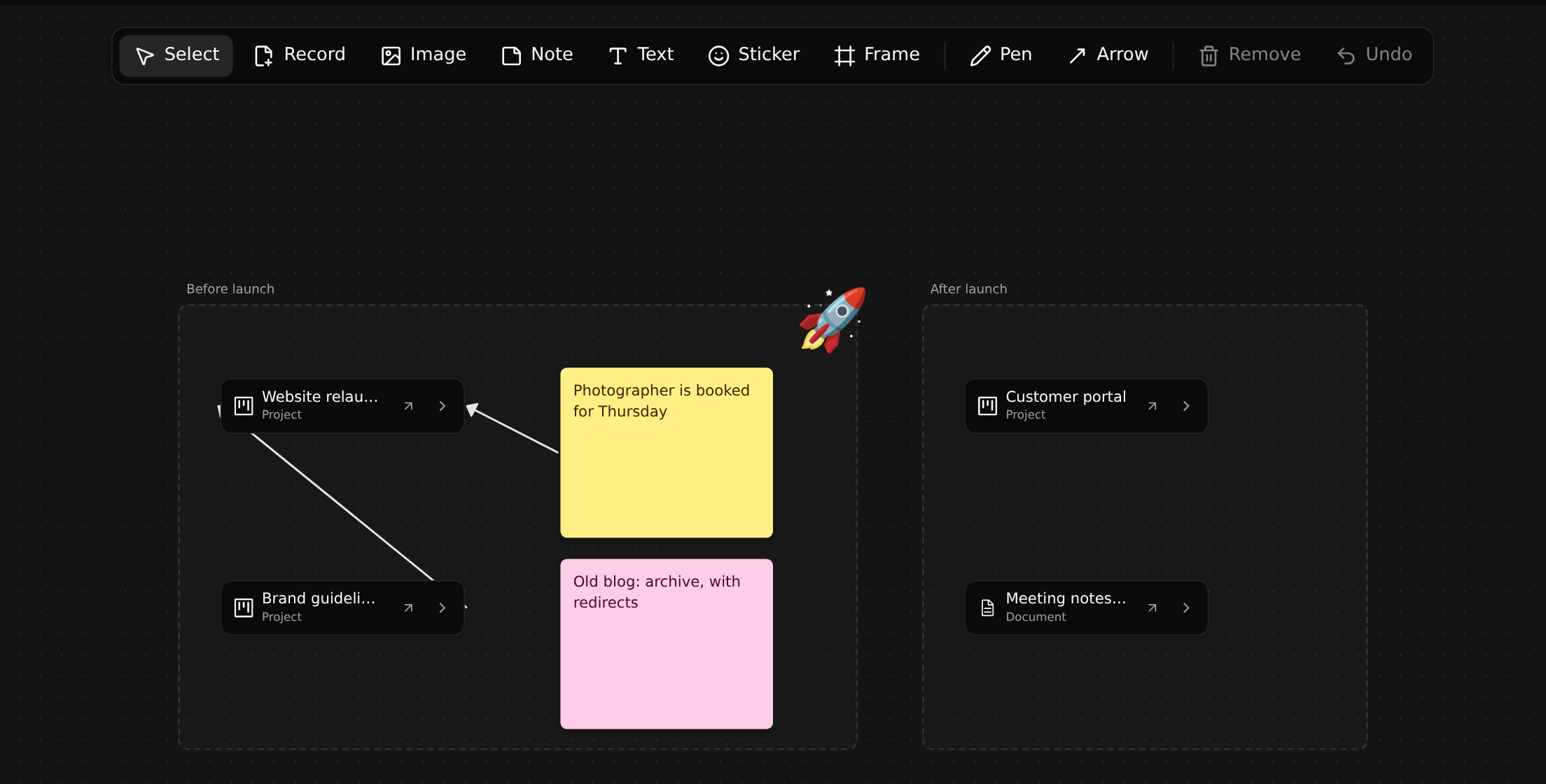
A board is an endless canvas for thinking with other people: put records on it, write notes next to them, draw arrows, group things in frames.
Boards come with the Design app. A workspace that does not have it installs it from the Marketplace; until then there is no Boards in the sidebar.
The one rule
A board never changes your records. A card on a board is a link to a record: it shows the record and opens its page, and that is all. An arrow between two cards is a drawing, not a relation. Deleting a card removes it from the board, not from the workspace.
So a board is a safe place to brainstorm.
Tools

| Tool | Puts on the board |
|---|---|
| Select | Nothing: move, resize and select what is there |
| Record | A card that links to a record you pick |
| Image | An existing file record, shown as its picture |
| Note | A sticky note, in one of six colours |
| Text | Plain text |
| Sticker | An emoji |
| Frame | A titled area. Moving a frame moves what lies in it |
| Pen | A freehand line, in a colour you pick |
| Arrow | An arrow from one item to another |
| Remove, Undo | Remove the selection; take back the last step |
Cards unfold
A record's card can be unfolded like the graph on its page: click a relation to see what the record is linked to. What you unfold is temporary. Pin a record you found that way to add it to the board as a card of its own.
Boards follow the branch
Boards are stored like everything else, so a board lives on a branch, is committed and merged with it, and can ship in an app. A board that came with an installed app is read-only.