
Solutions
A solution is a ready-made setup for a problem: the packages it needs, the workflows to switch on, and sample data to try it with. Solutions in the sidebar lists them.
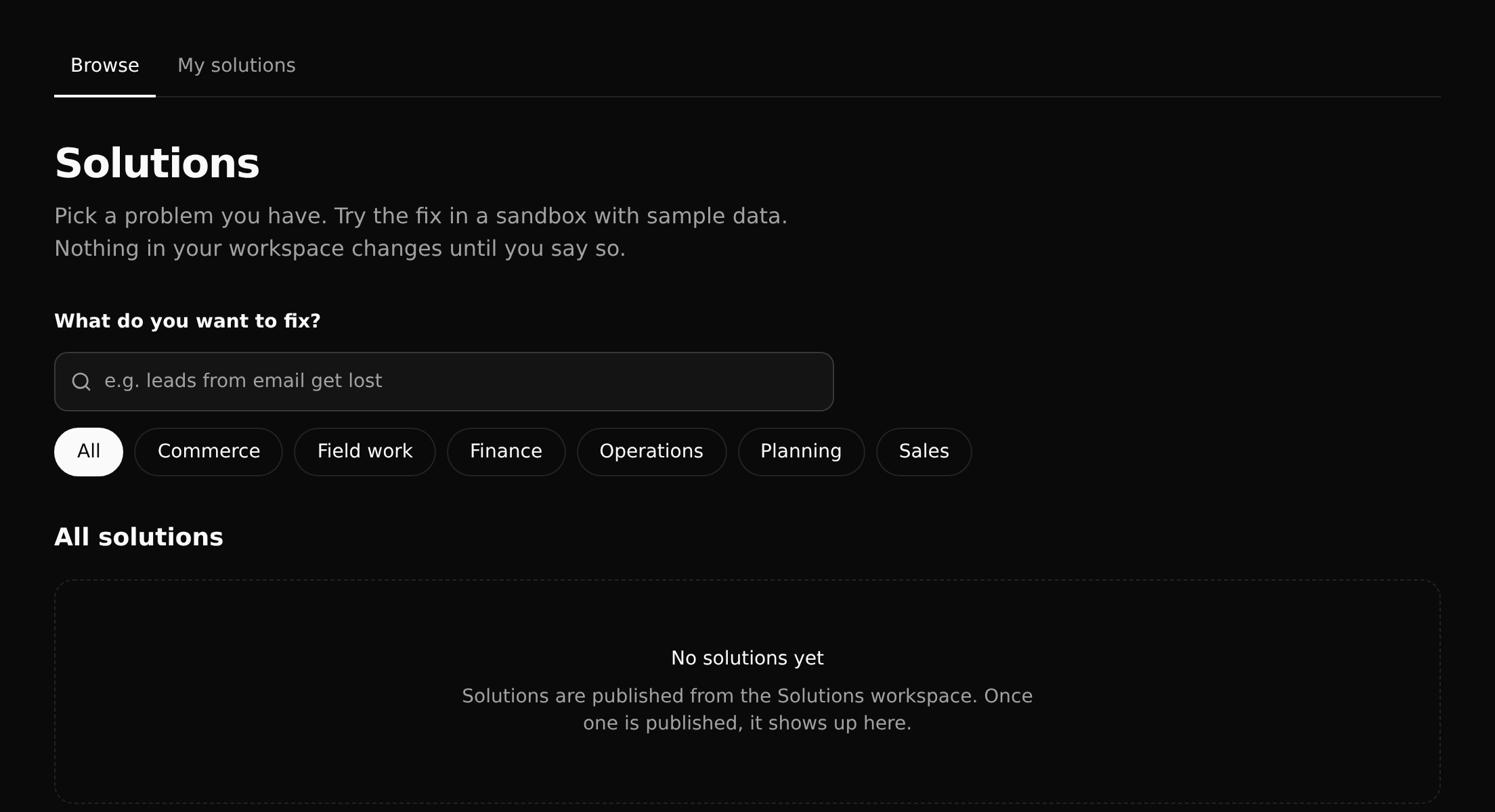
Search for the problem you have, or pick a category. My solutions shows what your workspace has set up.
Trying one
Installing a solution starts a go-live run that works through its plan step by step and reports where it is:
- install the packages the solution needs,
- create its workflow instances,
- add its sample data.
The run is itself a workflow ("Solution go-live setup"), so its progress and any error are visible like any other run.
Where they come from
Solutions are published from the Solutions workspace, a catalog every workspace reads. Until one is published there, the page says "No solutions yet", as in the picture above.