
Workflows
A workflow says what should happen, step by step, when something starts it: a record is added, a time comes, a webhook arrives, or somebody clicks Run now.
Workflows are built in a workflow workspace (/_acme-flows), published as a release and installed in the workspaces that should run them, like apps. A workspace then switches a workflow on by making an instance of it.
The canvas
Workflows in the sidebar of a workflow workspace lists the workflows on the left and shows the selected one as a canvas.
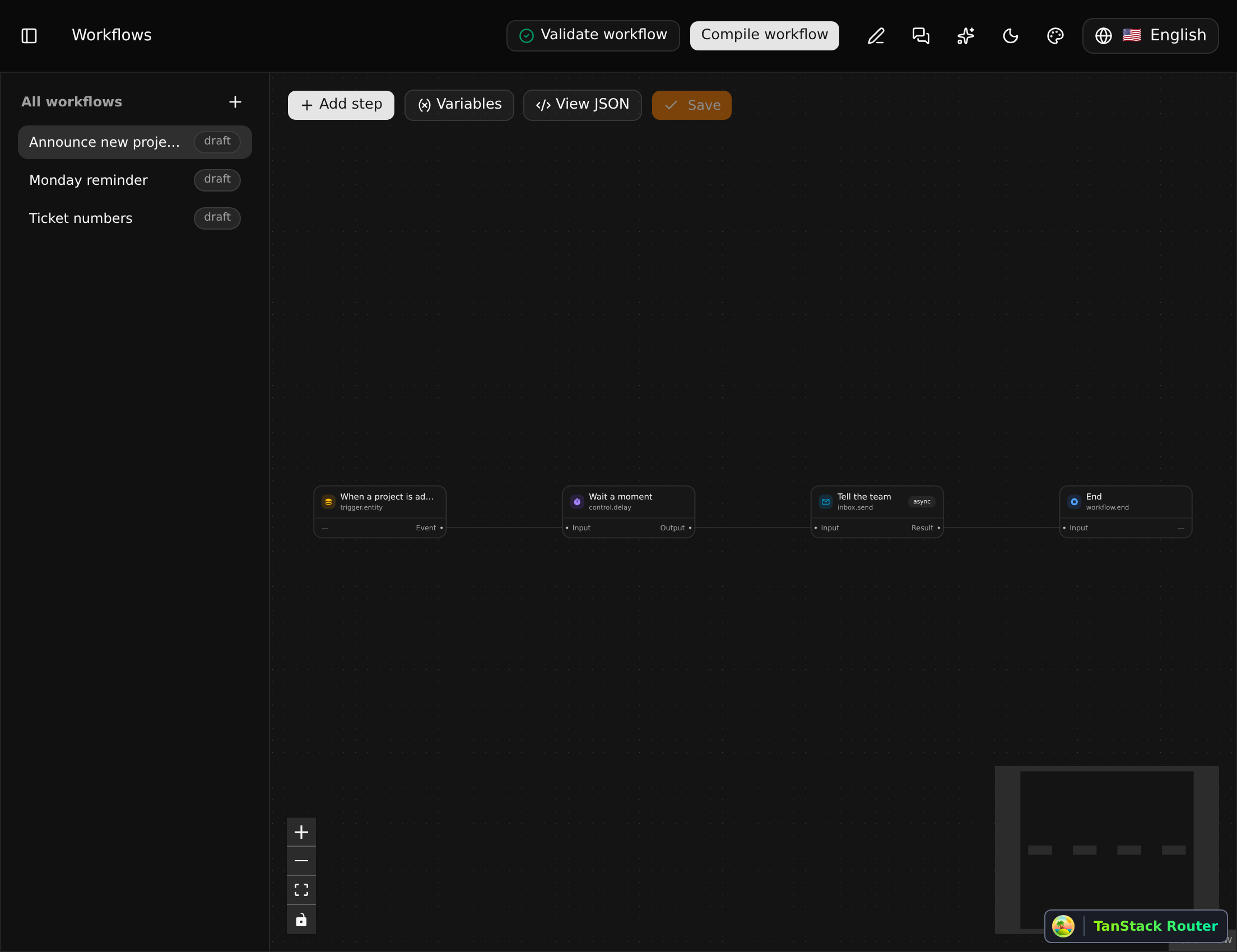
A workflow is steps joined by edges. Each step runs a function and has input and output ports; an edge carries a value from an output to an input.

This one starts when a project is added, waits a moment, tells two people in their Inbox, and ends.
Adding a step
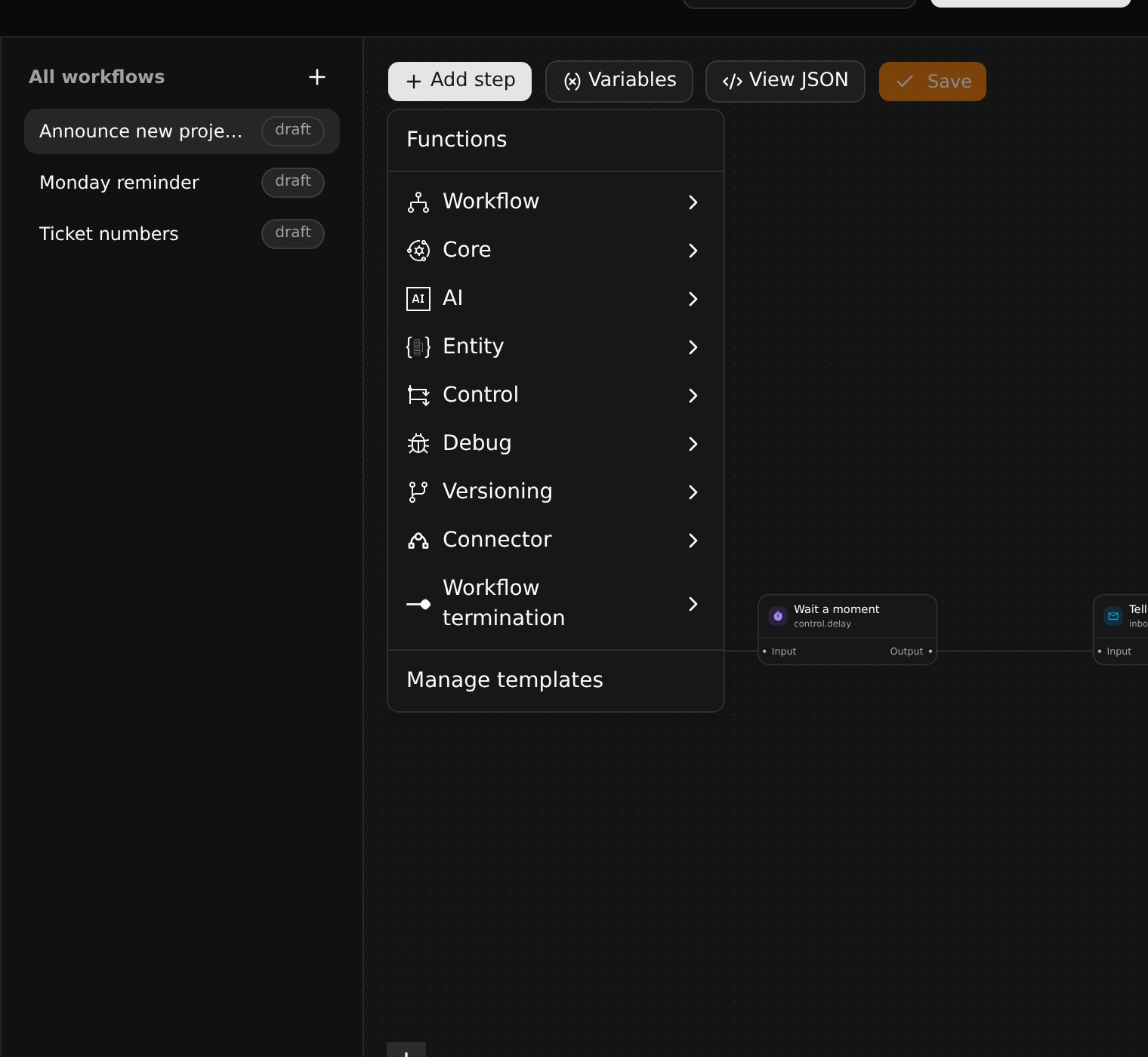
Add step opens the catalog of functions, by category. See Steps and functions for the list.
Drag from a port of one step to a port of another to connect them.
A step's settings
Click a step to open its settings on the right.
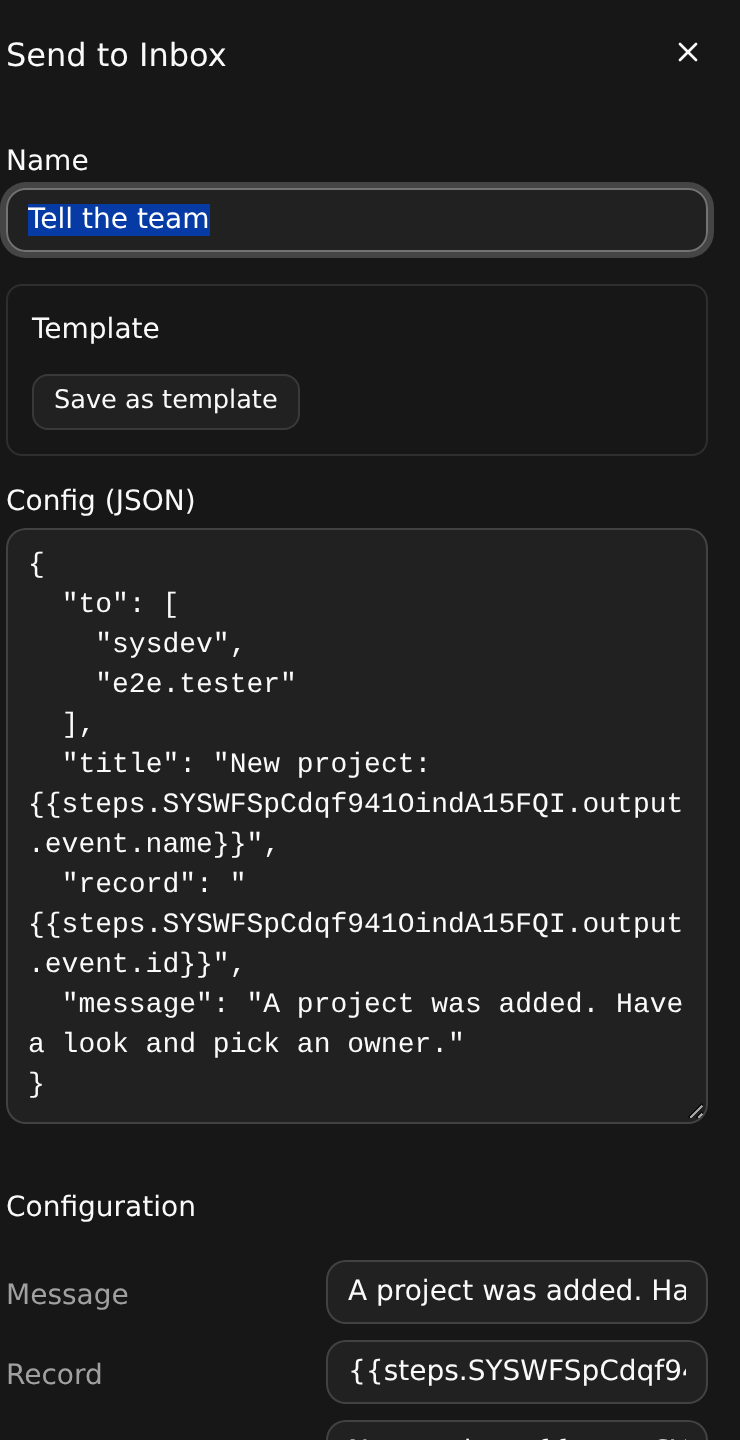
Settings can use what earlier steps produced. {{steps.<step>.output.event.name}} is the name of the record the trigger fired for; {{vars.<name>}} is a variable of the workflow. The editor offers these as you type.
Step templates
Save as template keeps a step's function and settings under a name. Templates then appear in the Add step menu, and ship with the workflow package. They are a convenience of the editor: a step made from a template is an ordinary step.
Variables
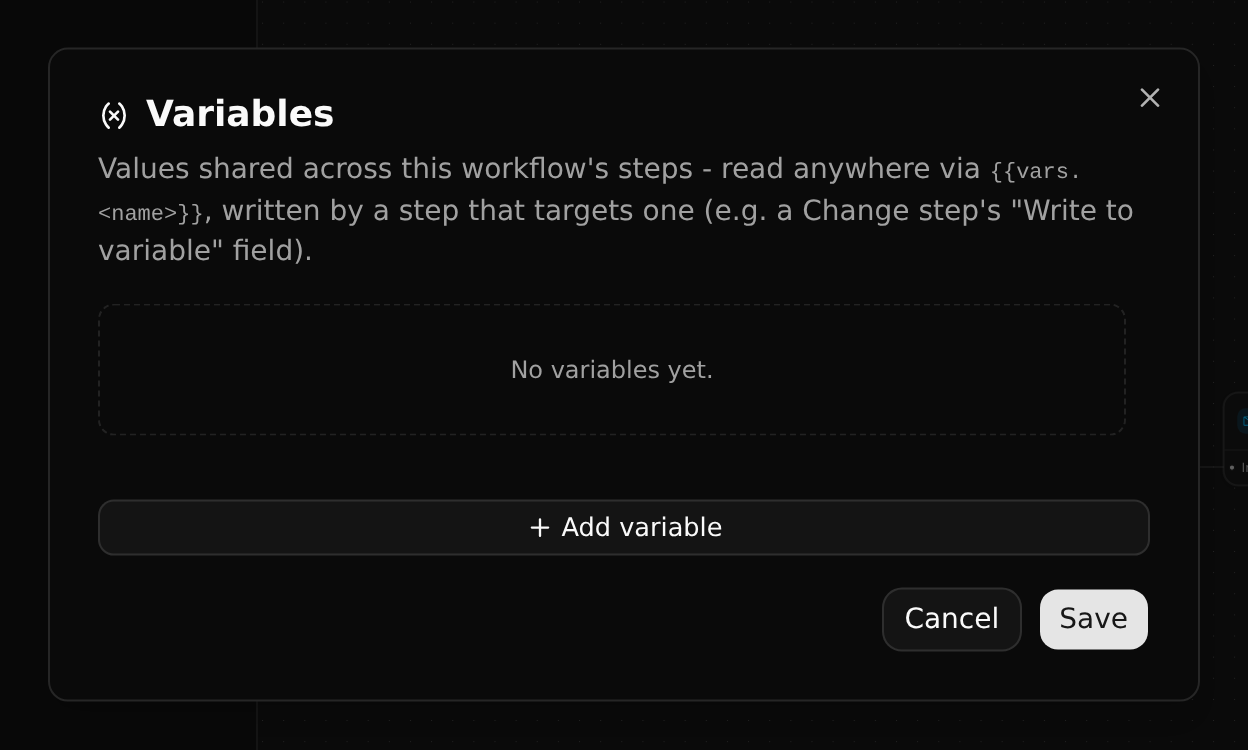
Variables are values shared by the steps of a workflow. An instance can set them, which is how one workflow serves different workspaces.
Validate and compile
Validate workflow checks the saved workflow:
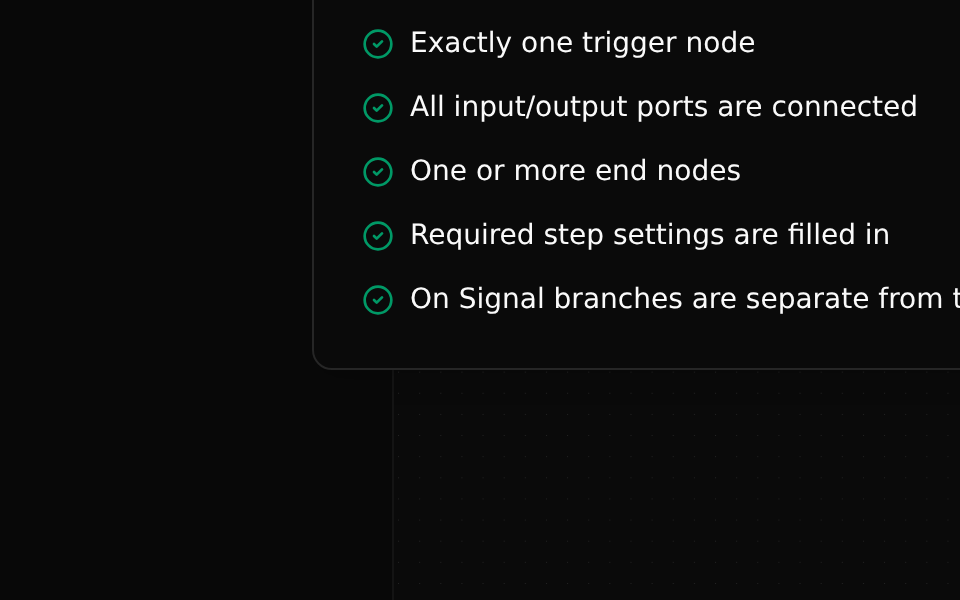
- exactly one trigger,
- every port connected,
- at least one end,
- the settings each step needs are filled in,
- signal handlers kept apart from the main flow.
Compile workflow turns it into the plan the engine runs. A workflow must be compiled before it can be released and run, and an instance keeps the plan it was made with until it is resynced.
View JSON shows the workflow as data.