
Chat
People in a workspace talk to each other in conversations: with one person, in a group, or about something — a record or a list.
Messages
Messages in the sidebar is the full page: your conversations on the left, the open one on the right, and a search box over all of them.
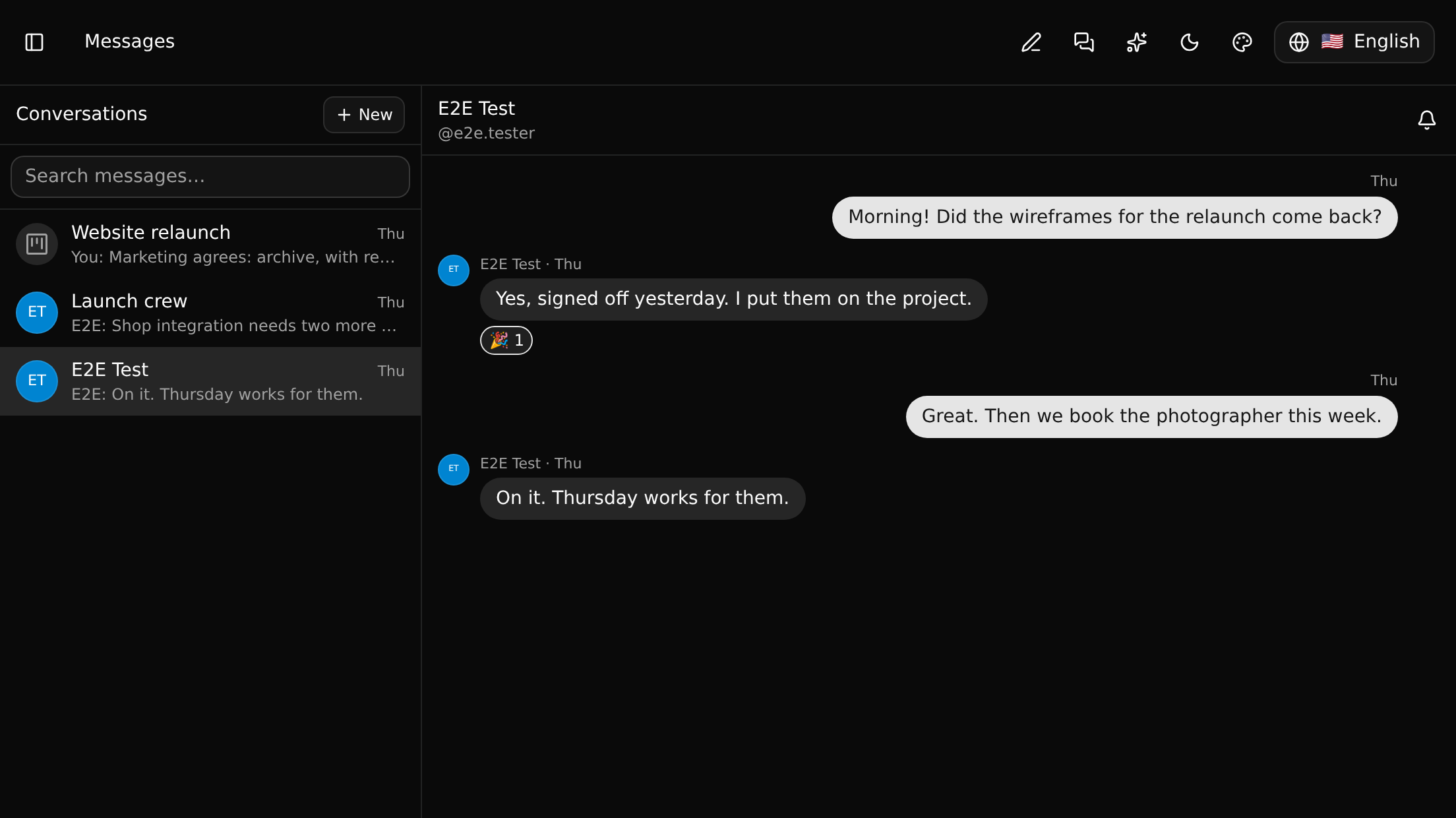
In a conversation you can:
- reply to a message,
- react with 👍 ❤️ 😄 🎉 👀 ✅,
- edit or delete your own messages,
- mute the conversation, so it no longer counts on the chat button,
- add people to a group, or leave it.
New messages, edits, deletions and reactions appear for everybody at once.
Starting a conversation
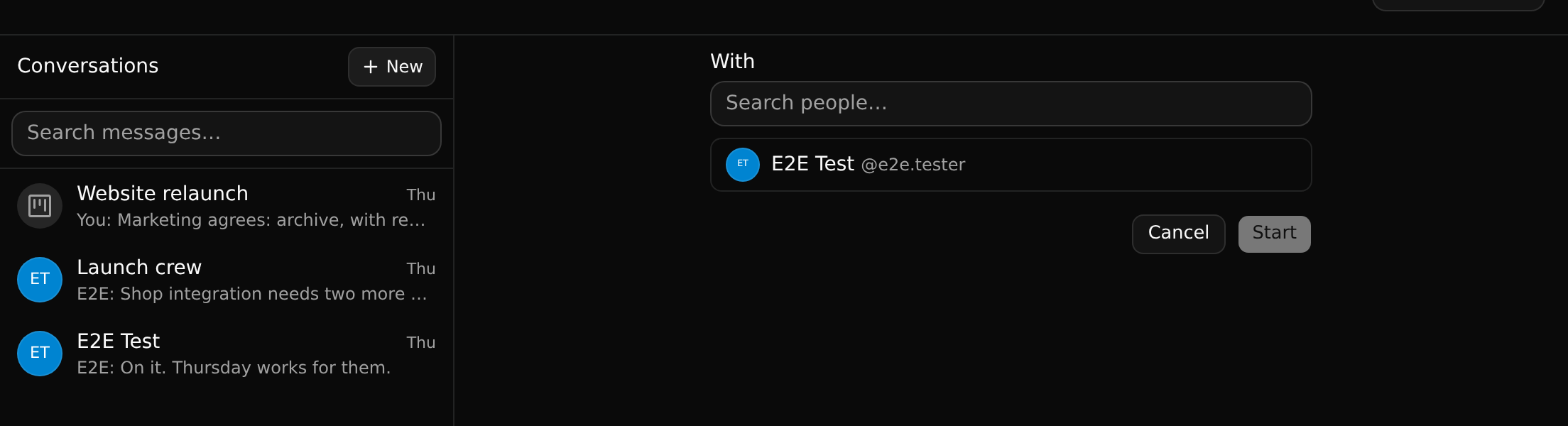
Click New and pick people. One person makes a direct conversation (there is only ever one between two people); several people, or a title, make a group. Everybody in a conversation must be a member of the workspace.
Conversations about a record
On a record's page, the header shows how many conversations are about it. Click that, or the chat button, and the dock opens on the right with those conversations.
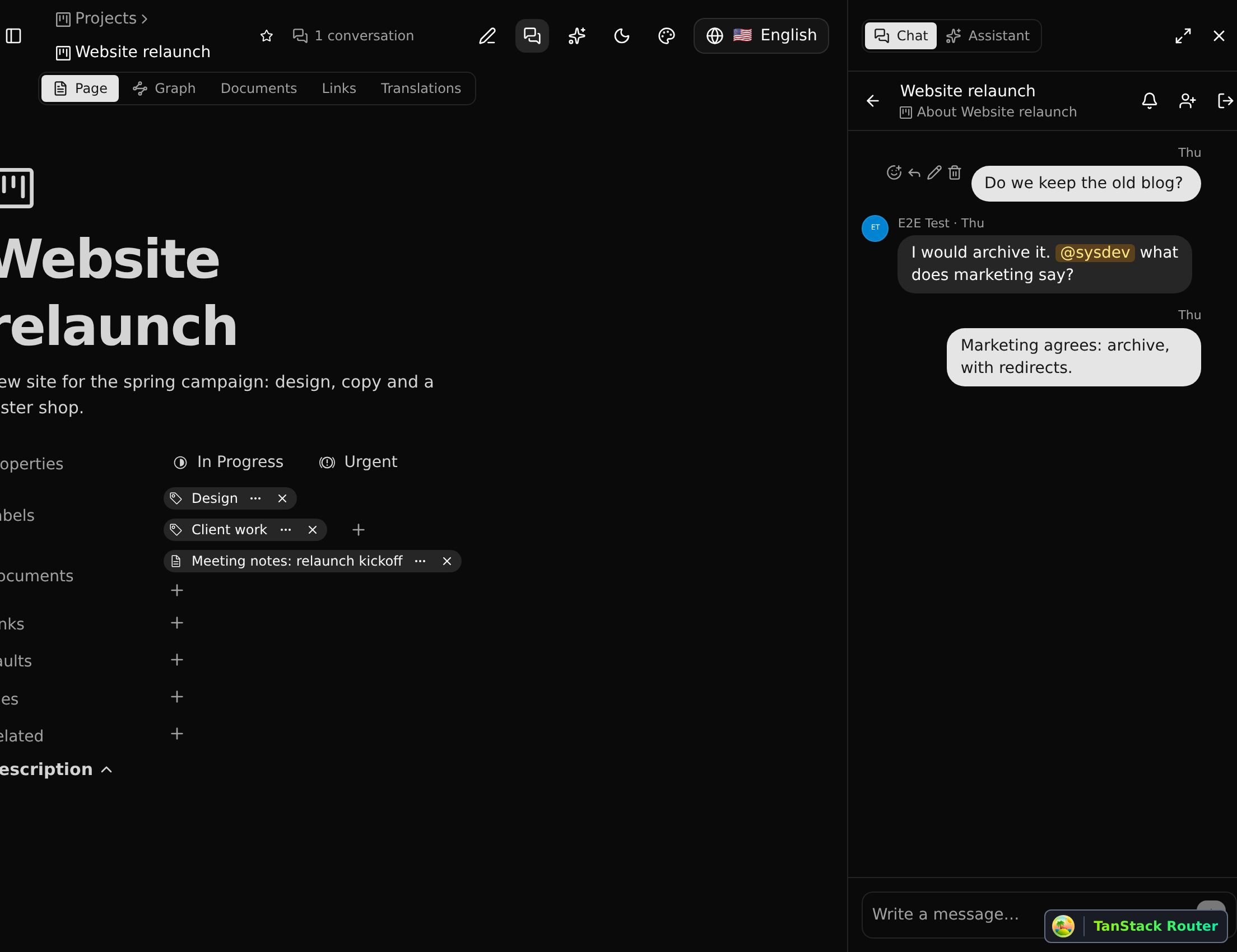
A conversation about a record or a list is open by default: any member of the workspace who opens that page can read it and join in. Direct and group conversations are for the people in them only.
A guest is the exception: they read the conversations they were asked into, open or not, and can start one with the people on the branches shared with them.
A conversation is tied to the record itself, not to its address, so renaming the record breaks nothing.
Mentions
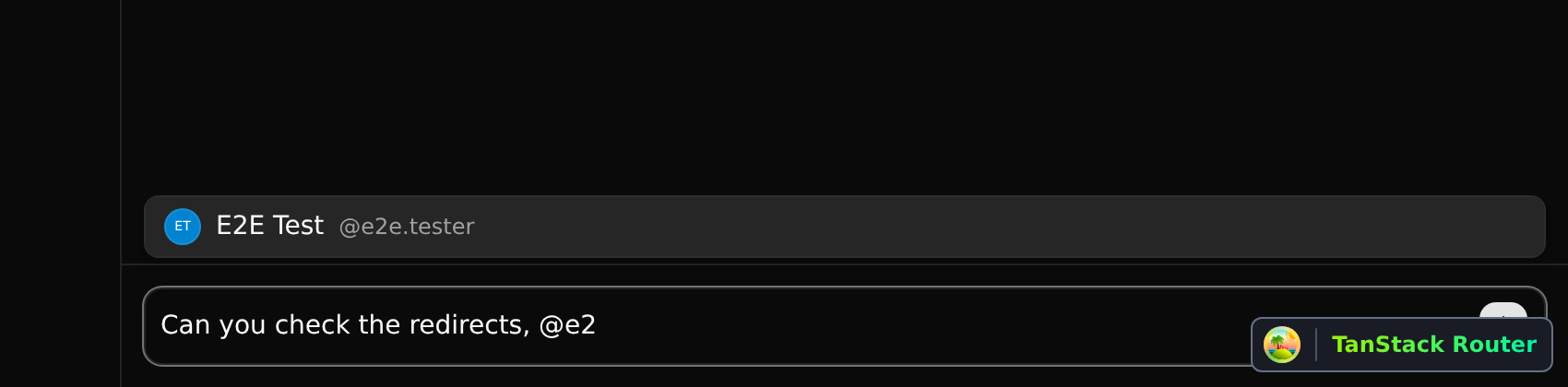
Type @ to mention a member. They are told in their Inbox, and the item opens the conversation.
Good to know
- Chat is not versioned: it is the same on every branch, and is never committed or merged.
- The dock is shared with the assistant: the switch at its top goes from one to the other.