
Translating records
A workspace has a content language: the language its records are written in. It is set under Settings > Languages and is English unless changed.

A record can be translated into other languages field by field. Somebody whose interface is in one of those languages then sees the translation wherever the record is shown.
Translating a record
Open the record's Translations tab.
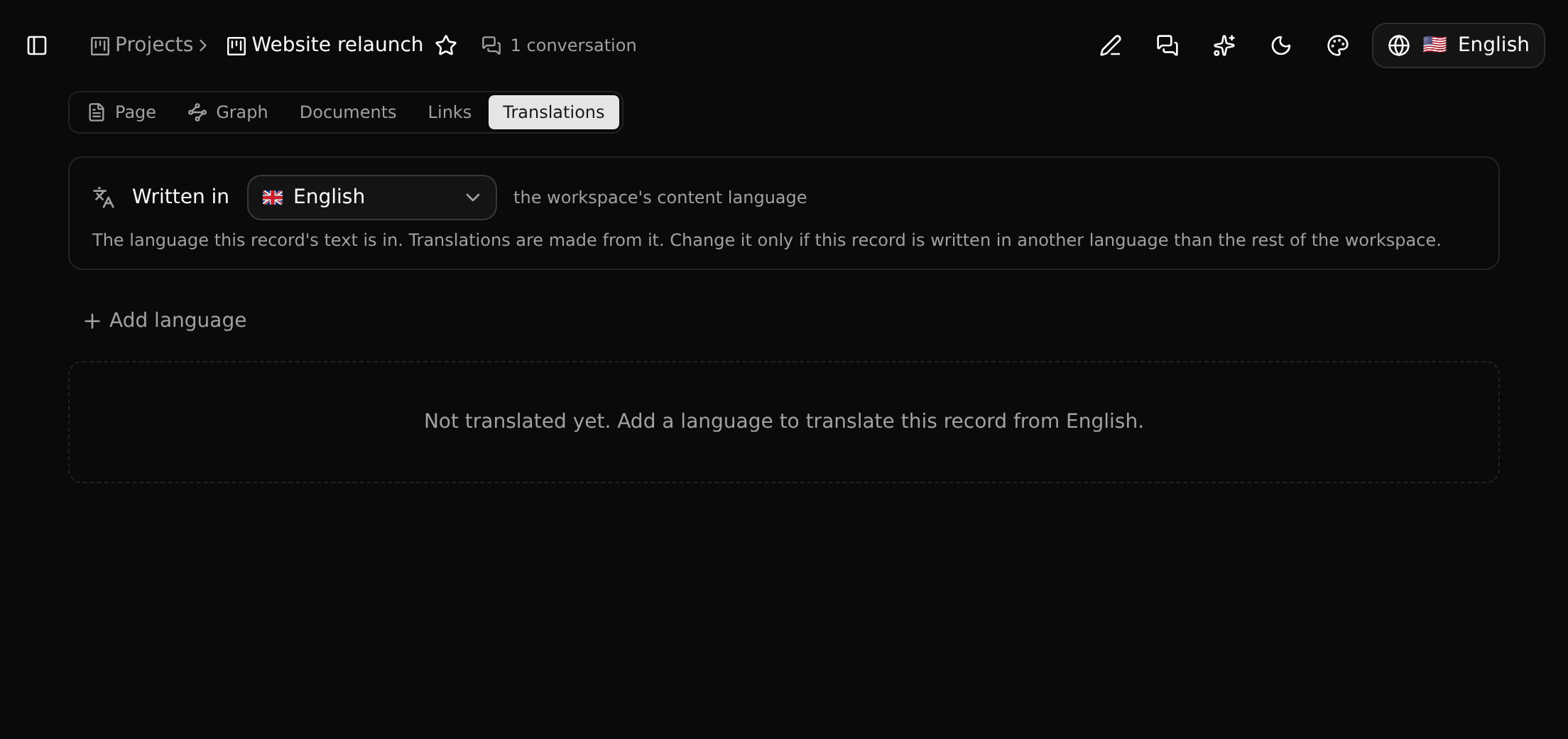
- Written in is the language this record's text is in. Change it only when this one record is written in another language than the rest of the workspace.
- Add language adds a translation. You get one input per translatable field, next to the original.
Only text fields that their type marks as translatable are offered. Which fields those are is set in the Entity Builder.
What a translation changes
Translations are for reading. In lists, on the detail page, in pickers, badges, the breadcrumb, the graph, boards and the command palette, a record shows in your language when it has a translation into it.
Editing, sorting, filtering and searching always use the original: clicking a translated value to edit it opens the original text.
On a record's page, a translated field carries a small mark in the margin. The mark turns amber when the original has changed since the translation was written, so outdated translations are easy to spot.
Names of things
The names of record types, fields, relations and sidebar items are translated in the same way, on the Translations page of the sidebar. See Names and translations.