
What is CodeKasten
CodeKasten is a platform for building the tools a team works in. You describe what you keep track of (projects, tickets, customers) as record types, and CodeKasten gives each one a list, a form, a detail page, filters, saved views, commands, an API and tools for agents. Nothing is generated and then left for you to maintain: the interface is drawn from the definitions every time.
The ideas it is built on
Everything is a record. A project is a record. So is the definition of the Project type, each of its fields, a view, a workflow and a sidebar item. That is why the same things work on all of them: they can be branched, committed, merged, translated and shipped in a package.
Workspaces are versioned. A workspace has branches like a code repository. You change things on a branch, commit, and merge. main is protected by default, so a team can require that changes are looked at first. See Branches.
Apps are packages. Record types are built in an app workspace and published as releases. A team's workspace installs releases and gets the types, their views and any data the app ships. See Apps and packages.
Workflows are data. A workflow is drawn on a canvas, compiled into a plan and run by the workflow engine when its trigger fires. See Workflows.
People and agents are held by the same rules. What somebody may do is their role in the workspace and their role on the branch they are working on, which groups can give to many people at once; a branch can be shared with somebody from outside, who sees that branch and nothing else. An API key belongs to a person and does no more than they may. See Members and roles, Sharing, protection and access and Agents.
Where to go next
| You want to | Read |
|---|---|
| Use a workspace somebody set up | Finding your way around, then Lists, filters and views |
| Set up a workspace for a team | Workspaces, Members and roles |
| Define your own record types | The Entity Builder |
| Automate something | Workflows |
| Use CodeKasten as a backend | GraphQL, Examples |
| Let an agent work in a workspace | Agents (MCP) |
About the pictures
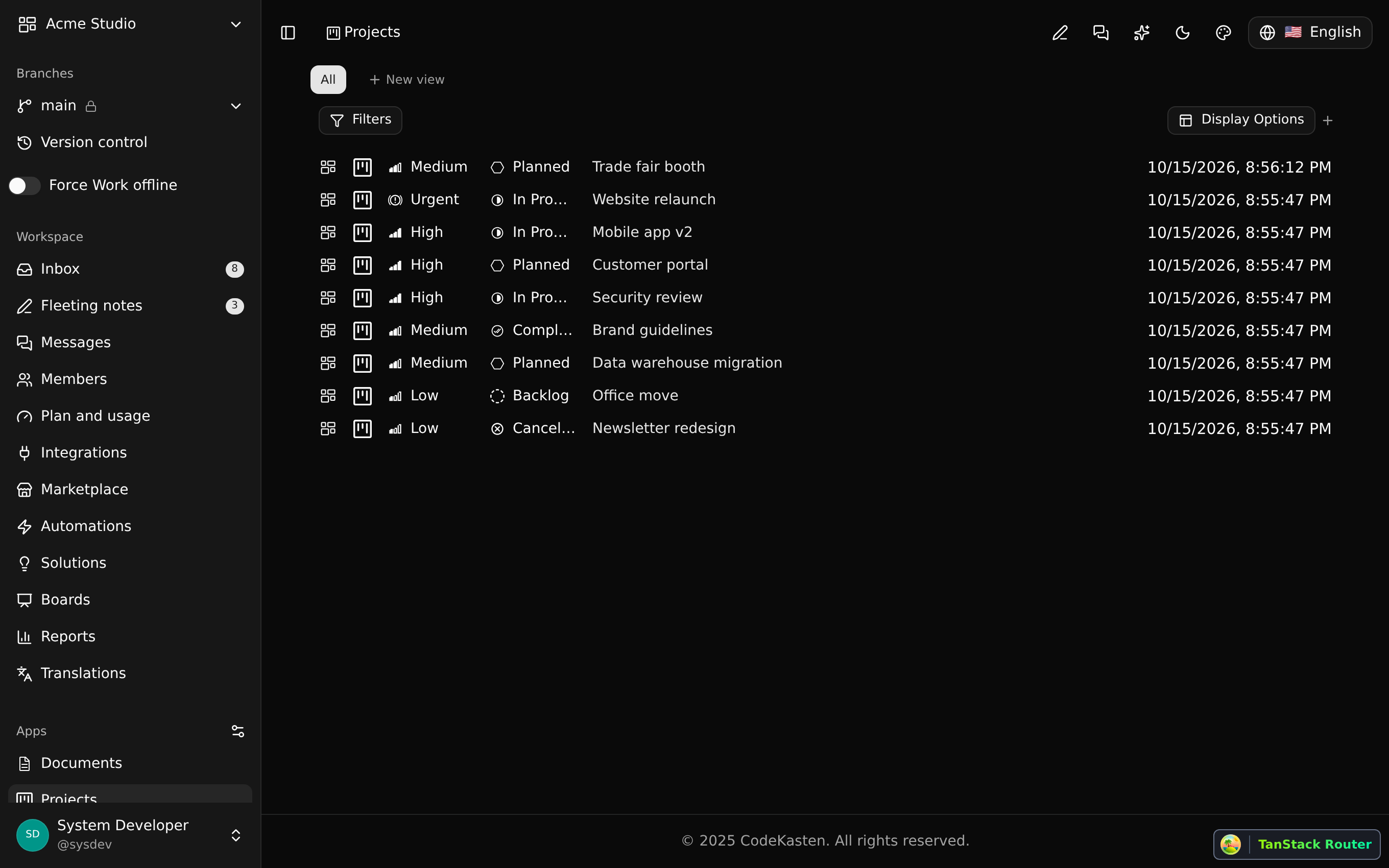
The pictures on this site show a demo workspace, "Acme Studio", with an app called Helpdesk installed. Each one was saved by an automated test right after it checked that the feature works.